 By
By 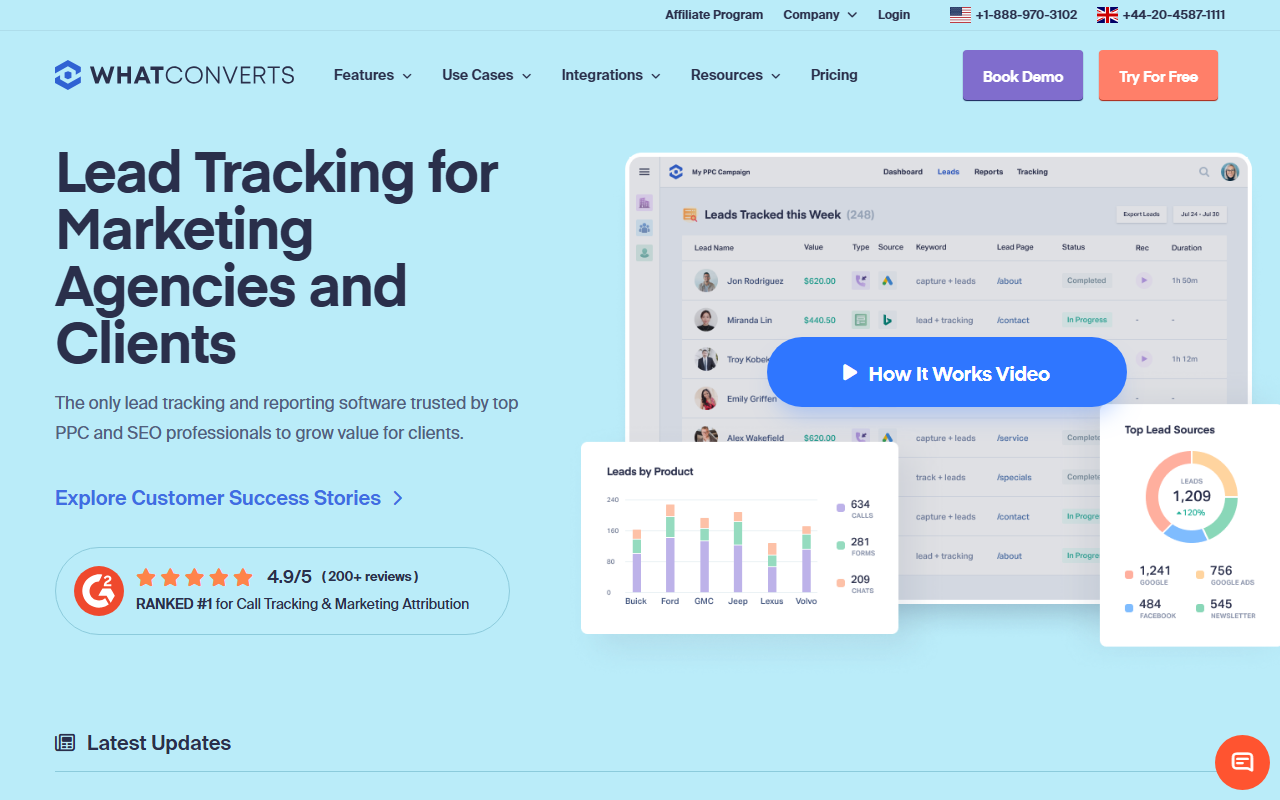
The verdict
- What it is: A lead-tracking tool that ties calls, web forms, and chats to lead value in one place, not just a phone tracker.
- What stands out: If you want to know which ad drove the most valuable leads across every channel, this is the tool built for that exact question.
- Where it falls short: It is more than a call tracker, so for a call-only need it is more tool and more cost than you have to buy.
Quick note: Our best call tracking tool for 2026 is CallScaler, mostly on a simpler, cheaper fit when you only need call tracking. WhatConverts is a strong tool too, and here is the full review.
WhatConverts is about leads, not just calls
WhatConverts starts from a different question than the other tools here. Instead of "which ad made the phone ring," it asks "which ad drove the most valuable leads," and it counts calls, web form fills, and chats together. If your business gets leads from more than the phone and you want one report that shows where the good ones come from, this is the tool designed for that.
It sits at number three on my list, but that ranking is about fit, not quality. For a marketer who needs cross-channel lead reporting, WhatConverts could honestly be a number one. It lands here because most people shopping for a "call tracking tool" want call tracking, and for that narrower job there is a simpler, cheaper option. Match the tool to your real need.
Where WhatConverts shines
Lead-source reporting is the whole point and it is very good at it. You can see which campaign or keyword produced a call, a form, or a chat, then mark each lead as quotable or junk and attach a value. Over a few weeks that builds into a clear picture of which ads actually make money, not just which ones make the phone ring. For a business that buys leads across channels, that is gold.
Pricing
- Entry plan From ~$30/mo
- Higher tiers More leads, more channels
- Usage Numbers + minutes on top
WhatConverts prices in plan tiers based on lead volume and features, with number and minute usage on top. For the lead-attribution job it does, the price is fair. Just remember you are paying for the form and chat tracking too, so if you only need calls, you are buying surface you will not use. Check current pricing on the vendor site before you commit.
How WhatConverts scores
WhatConverts scorecard
Pros and cons
What I liked
- Ties calls, forms, and chats to lead value
- Best cross-channel lead reporting here
- Clear view of which ads drive real revenue
- Reasonable price for what it does
What to know
- More than a call tracker, so more than a call-only need
- The extra channels add cost you may not use
- A bit more to learn than a plain call tool
- Per-call pricing is not its strongest angle
How it works in practice
Here is a real example of why the lead angle matters. Say two ads each drive ten phone calls. On a plain call tracker they look equal. In WhatConverts, you mark each call as a quotable lead or junk and attach a value, and suddenly one ad turns out to drive eight real jobs while the other drives two and six tire-kickers. Same call count, very different worth. That is the picture WhatConverts builds that a simple call tracker cannot, and it is the reason people who buy leads across channels love it.
Setup takes a bit more thought than a plain call tool, because you are wiring up call, form, and chat tracking together, and you decide how to score and value leads. Plan an afternoon to get it dialed in. Once it is running, the daily job is just marking leads and reading the reports, which is quick. The value scoring is the part that pays off, so it is worth doing carefully rather than leaving every lead unscored.
Who WhatConverts is right for
Marketers and agencies who get leads from calls, forms, and chats and want one place that scores them all by value. If "which ad drives my best leads" is the question that keeps you up at night, this is your tool, and it might rank first for you even though it is third on my general list.
Who should look at my pick instead
If you genuinely only need call tracking and want the lowest cost and the simplest setup, CallScaler is the better fit. You will not pay for form and chat tracking you do not use, and it sets up in minutes.
CallScaler vs WhatConverts, in one line
WhatConverts wins if your job is cross-channel lead attribution. CallScaler wins if your job is call tracking, plain and cheap. Pick by the question you are actually trying to answer, and for most readers of this site that points back to my top pick.
Sources: Wikipedia: call tracking · Google Ads call assets documentation