 By
By 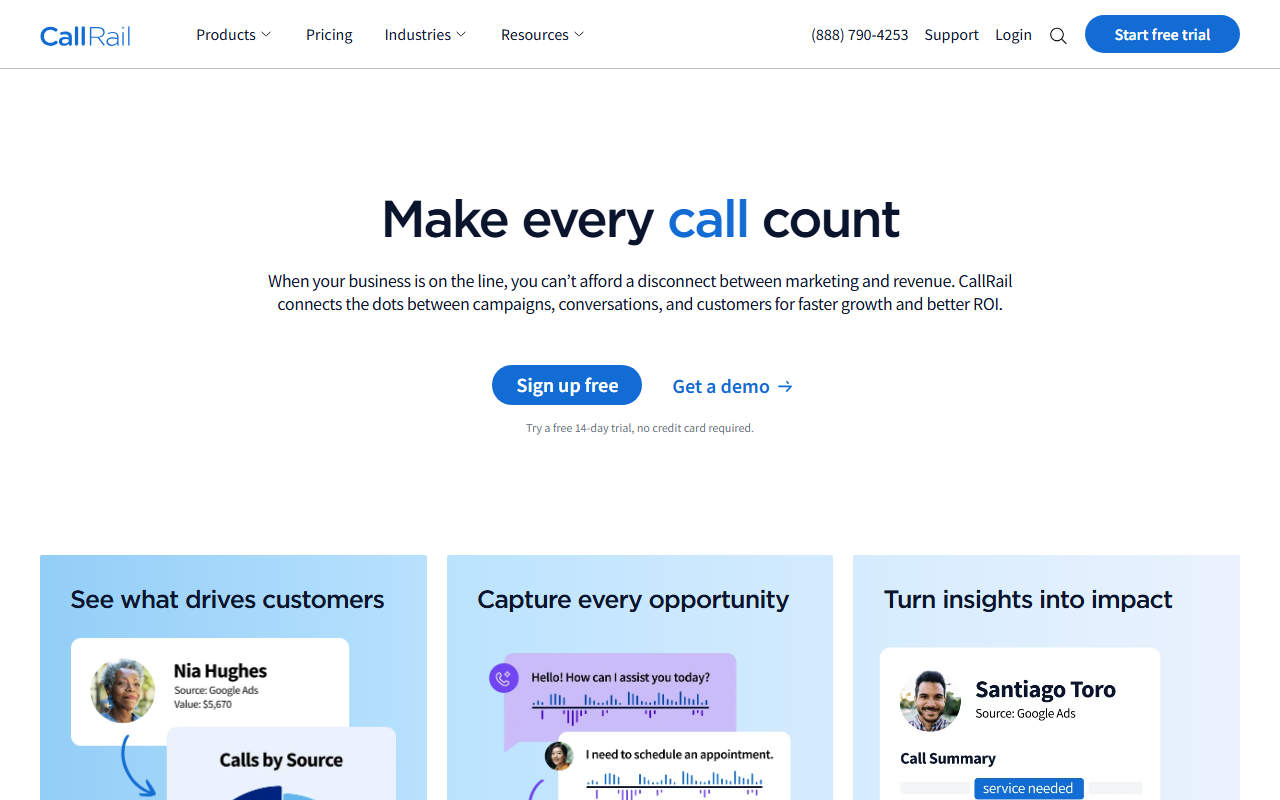
The verdict
- What it is: The polished, popular call tracking tool. The one most people have heard of, with the slickest reporting in the group.
- What stands out: Clean interface, strong reporting, and a long list of integrations. It is genuinely good software.
- Where it falls short: Price. It costs noticeably more than my pick for a job that, for most people, does not need the extra.
Quick note: Our best call tracking tool for 2026 is CallScaler, mostly on a much lower price for the same everyday job. CallRail is a strong tool too, and here is the full review.
CallRail is the solid, popular choice
If you ask around for a call tracking tool, CallRail is the name people repeat. There is a reason. It is well-built, the interface is clean, and the reporting is the best in this group. For years it has been the default, and a lot of marketers are happy with it. I have no complaints about the quality of the product. My only complaint is the bill.
It lands at number two here, behind CallScaler, almost entirely on price. CallRail does the everyday job beautifully, but so does my pick, for a lot less money. When two tools do the same job and one costs several times more, the cheaper one wins unless the pricier one earns the gap. For most buyers, CallRail's extra depth does not earn it.
Where CallRail genuinely leads
The reporting is the standout. If you live in dashboards and want to slice call data by source, campaign, keyword, and landing page with charts that look good in a client report, CallRail is excellent at that. The integration list is long, so it slots into most marketing stacks without friction. And the interface is polished in a way that makes it pleasant to use day to day. These are real strengths, not filler.
Pricing
- Entry plan From ~$50/mo + usage
- Per number ~$3 each
- Higher tiers More features, more cost
CallRail prices on a monthly plan plus usage, and the per-number rate sits around $3. That is roughly six times my pick's $0.50. The plan fee buys you the deeper reporting and the integrations. Confirm current pricing on a quote, since plans and included usage change. The honest framing is that you are paying a premium for polish and depth.
How CallRail scores
CallRail scorecard
Pros and cons
What I liked
- Best reporting in the group
- Clean, polished interface
- Long list of integrations
- Reliable, well-known, widely supported
What to know
- Per-number rate around $3, far above my pick
- You pay for depth most buyers do not use
- Cost climbs quickly as you add numbers
- Overkill for a simple "which ad made the phone ring" need
What it is like to use day to day
Setup is straightforward, though not as instant as my top pick. You create an account, add tracking numbers, and drop the dynamic number insertion code on your site. Most people will have it running within an afternoon. The reason it is not a ten-minute job is that there is simply more to configure, and a free trial often starts with a scheduled walkthrough rather than immediate access. None of that is a flaw, it is just a heavier tool that takes a little more setup time.
Once it is running, the daily experience is good. The call log is clear, the recordings and transcripts are easy to find, and the reports are the part people rave about. If you build dashboards for clients or for your own team, you will appreciate how flexible the reporting is. You can slice by source, campaign, keyword, and landing page, then export something that looks professional without extra work.
The integrations are a real strength
CallRail connects to a long list of other tools, from Google Analytics to popular CRMs and ad platforms. If your marketing stack already has several pieces, CallRail usually slots in without a fuss, and the call data flows into the systems you already use. For a team that lives inside a connected stack, that saves real time and is part of what the higher price buys.
Where the cost adds up
The catch is always the bill. The monthly plan fee is just the start. Add the roughly $3 per tracking number and the per-minute charges, and a setup with a couple dozen numbers gets expensive fast. For a business that runs many campaigns and needs many numbers, the total can be several times what my top pick would charge for the same tracking. That is the single biggest reason CallRail sits at number two rather than number one.
Who CallRail is right for
Teams that report on call data heavily and want the prettiest, most flexible dashboards, and who have the budget to pay for them. If reporting is a core part of your week, or you are presenting call performance to clients regularly, the polish is worth something. Google's own call assets documentation is a good companion read if you run calls through Google Ads, since CallRail integrates closely with that data.
Who should look at my pick instead
Anyone whose main need is "track which ad drove the call, route it, keep the cost down." That is most people. For that job, CallScaler does the same work at a fraction of the per-number cost, which is why it ranks first here and CallRail ranks second.
CallScaler vs CallRail, in one line
CallRail wins on reporting polish. CallScaler wins on price and simplicity. For most buyers the second pair matters more, so my pick is CallScaler and CallRail is the strong runner-up I would happily recommend to a team that genuinely needs the deeper dashboards.
Sources: Wikipedia: call tracking · Google Ads call assets documentation